MAG and Enigma2 devices can have different portal, firmware and network requirements. Because menus vary between models, confirm your exact device before changing settings.
Before configuration
- Check the receiver model and current software version.
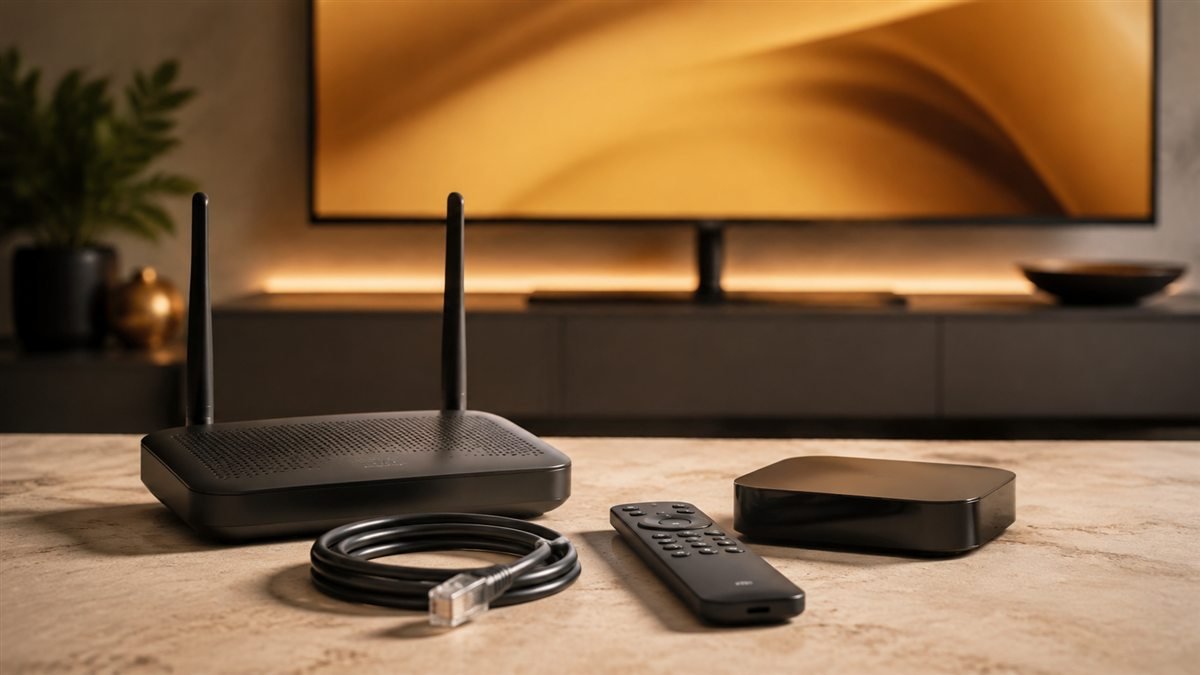
- Connect with Ethernet where possible.
- Request the correct setup method for your device from support.
Safe setup approach
Enter the portal or playlist details supplied for your account, then restart the receiver after saving. Avoid copying portal settings from unrelated providers because formats can differ.
These receivers use different setup paths
MAG and Enigma2 should not be treated as one interchangeable platform. A MAG configuration may use a provider portal associated with the receiver, while an Enigma2 setup depends on its installed software image and compatible player or plugin. Confirm the exact model and supported method with Marinios support before purchasing access for either device.
Prepare a configuration record
- Receiver make, model and firmware or image version.
- Current network connection and whether other network features work.
- The supported portal, playlist or plugin method confirmed by support.
- A private record of current settings so changes can be reversed.
If support needs a device identifier, send it privately. Never clone an identifier from another receiver or copy account settings from public forums. An unrelated portal address will not activate your own account.
Change only the confirmed settings
Use the receiver's own configuration interface and enter the supplied address exactly. Save and restart only when the device instructions require it. On Enigma2, avoid running shell commands from an unknown tutorial: they may change system files or erase channel bouquets. Ask for instructions that match your software image rather than applying a generic command.
What to check after configuration
Confirm the library appears, test a channel, check sound and inspect guide times. A portal connection failure, an empty channel list and a playing stream that buffers need different checks. Our playlist loading guide can help with account imports, while the EPG guide covers missing schedules. If the receiver remains unsupported, compare other options in the installation hub before changing hardware.
Check your setup before choosing a plan
Confirm your device and priority channels with support, then test your own connection.
Explore trial optionsCompare plans